storyscene
Try StorysceneNo sign-up required
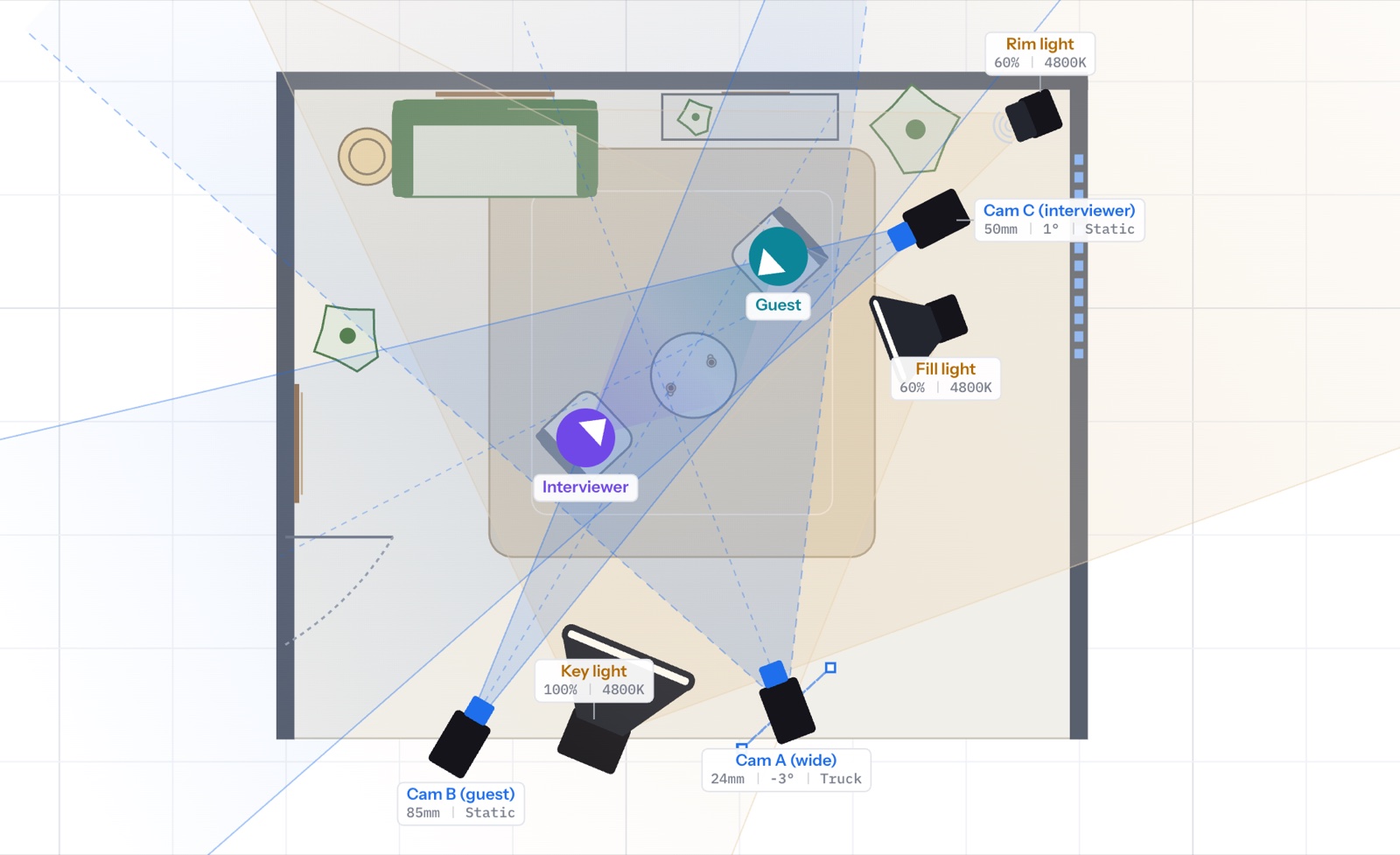
Floor plan: an interview with three cameras and three lights
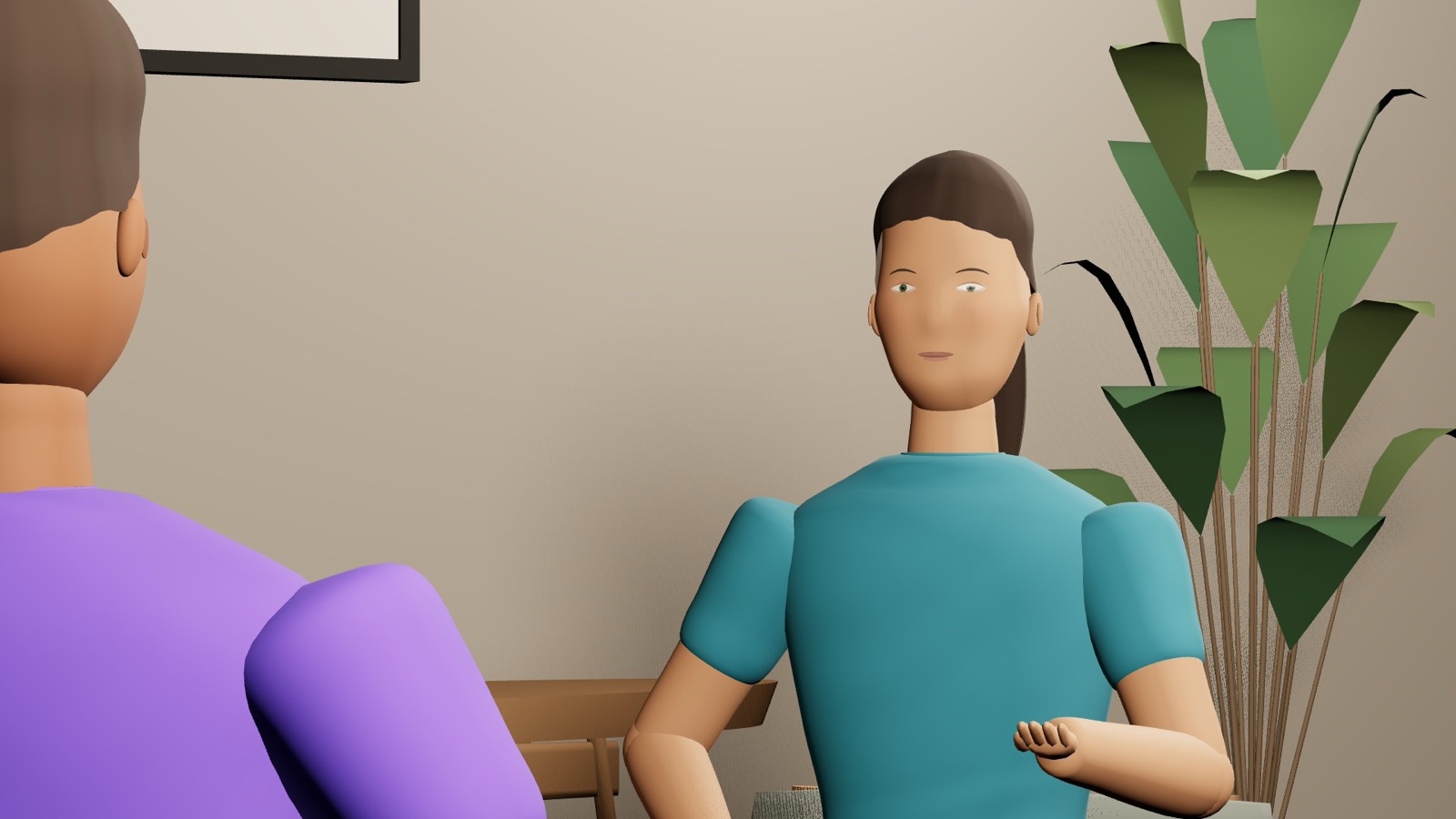
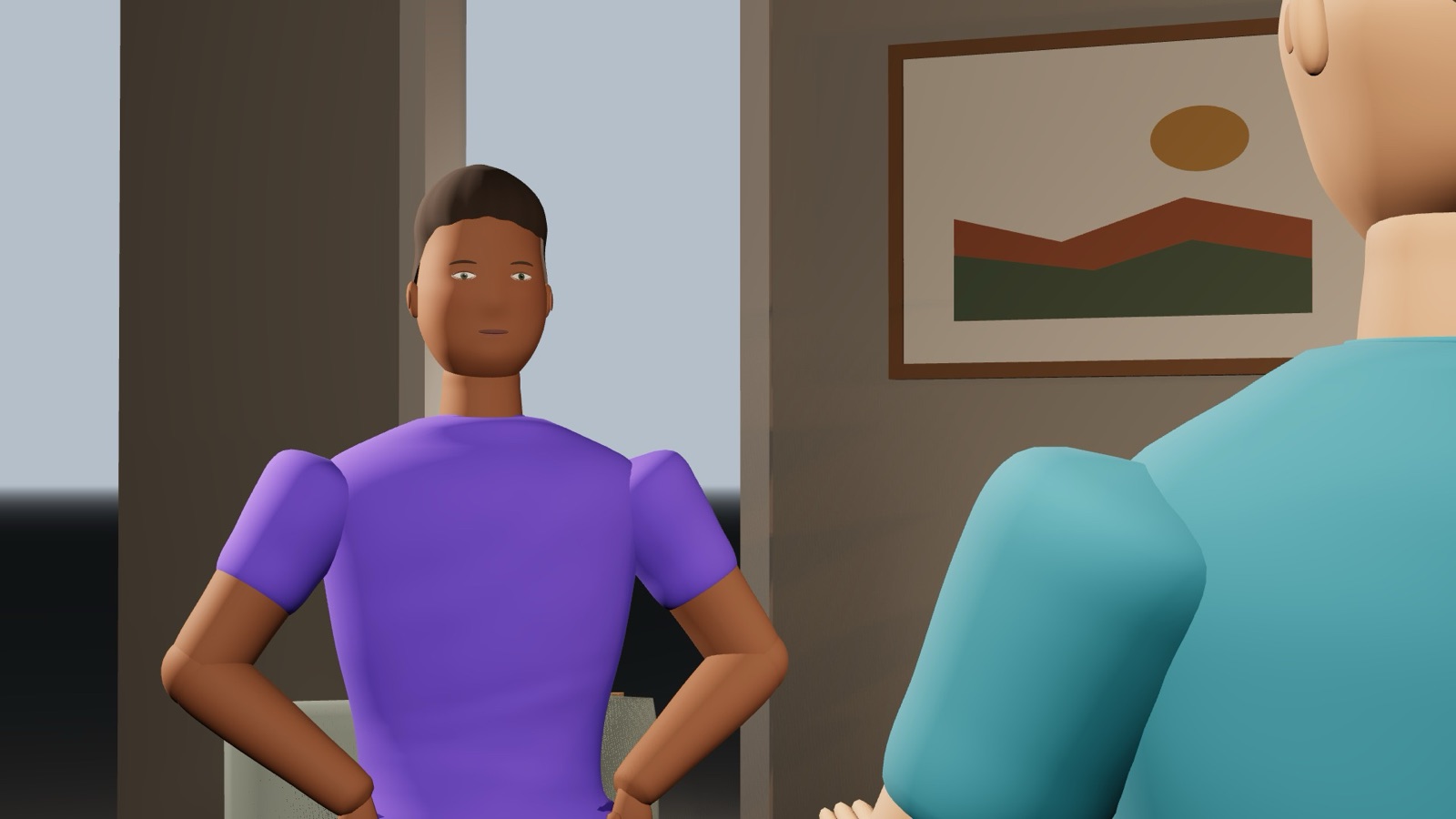
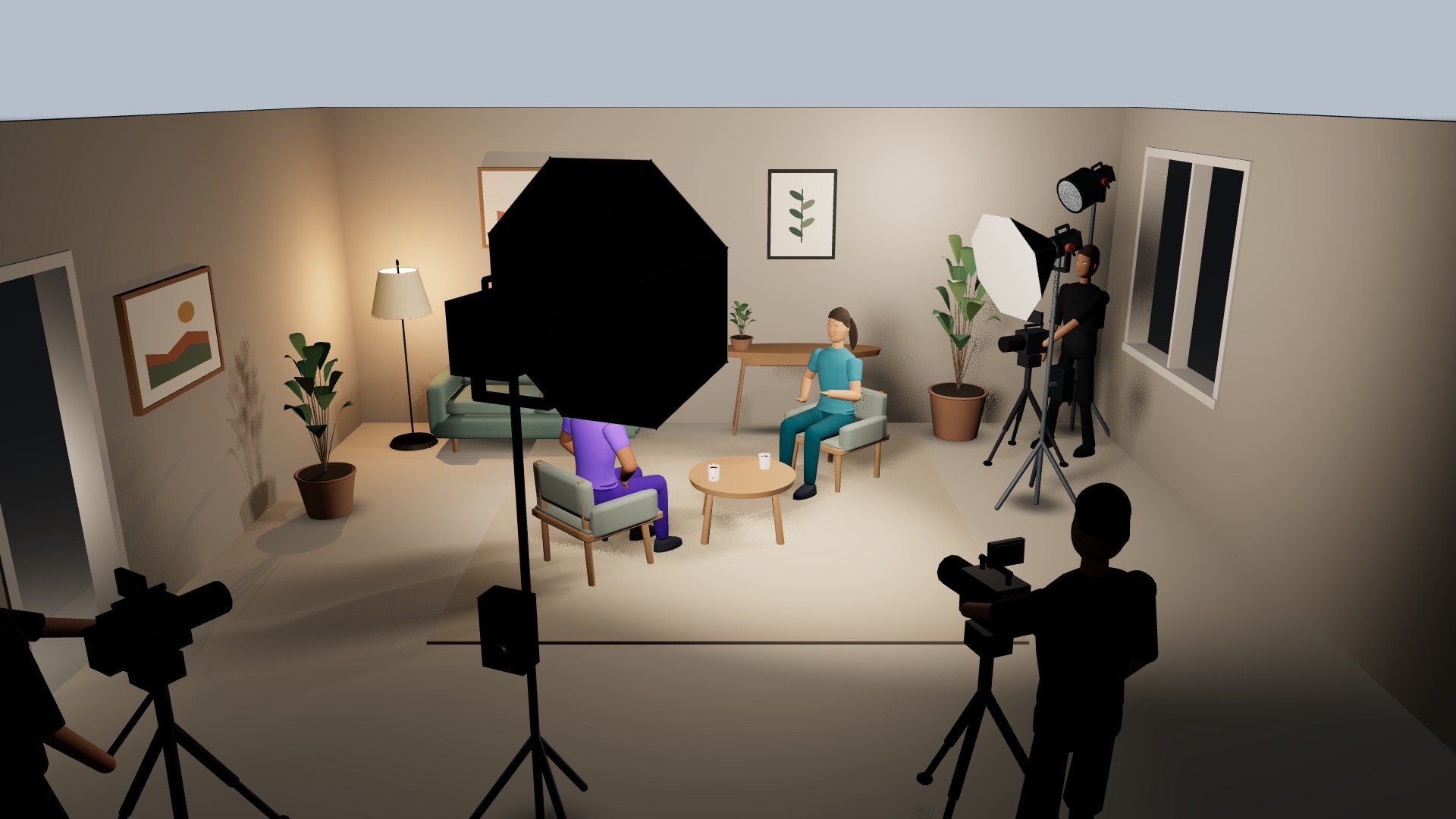
BEHIND THE SCENES Cam A, 24mm wide shot Cam B, 85mm on the guest Cam C, 50mm on the interviewer Behind the scenes: crew, cameras and lights around the interview

See it before
you shoot it.

How it works.

01

Build the set

Draw the room. Add furniture, a green screen, a pitch.

The floor plan
02

Frame it

Place the camera, pick the lens, look through it.

Cam A, 24mmA · 24MM
Cam C, 50mmC · 50MM
Cam B, 85mmB · 85MM
03

Light it

Place your key, fill and rim. See the result in the shot.
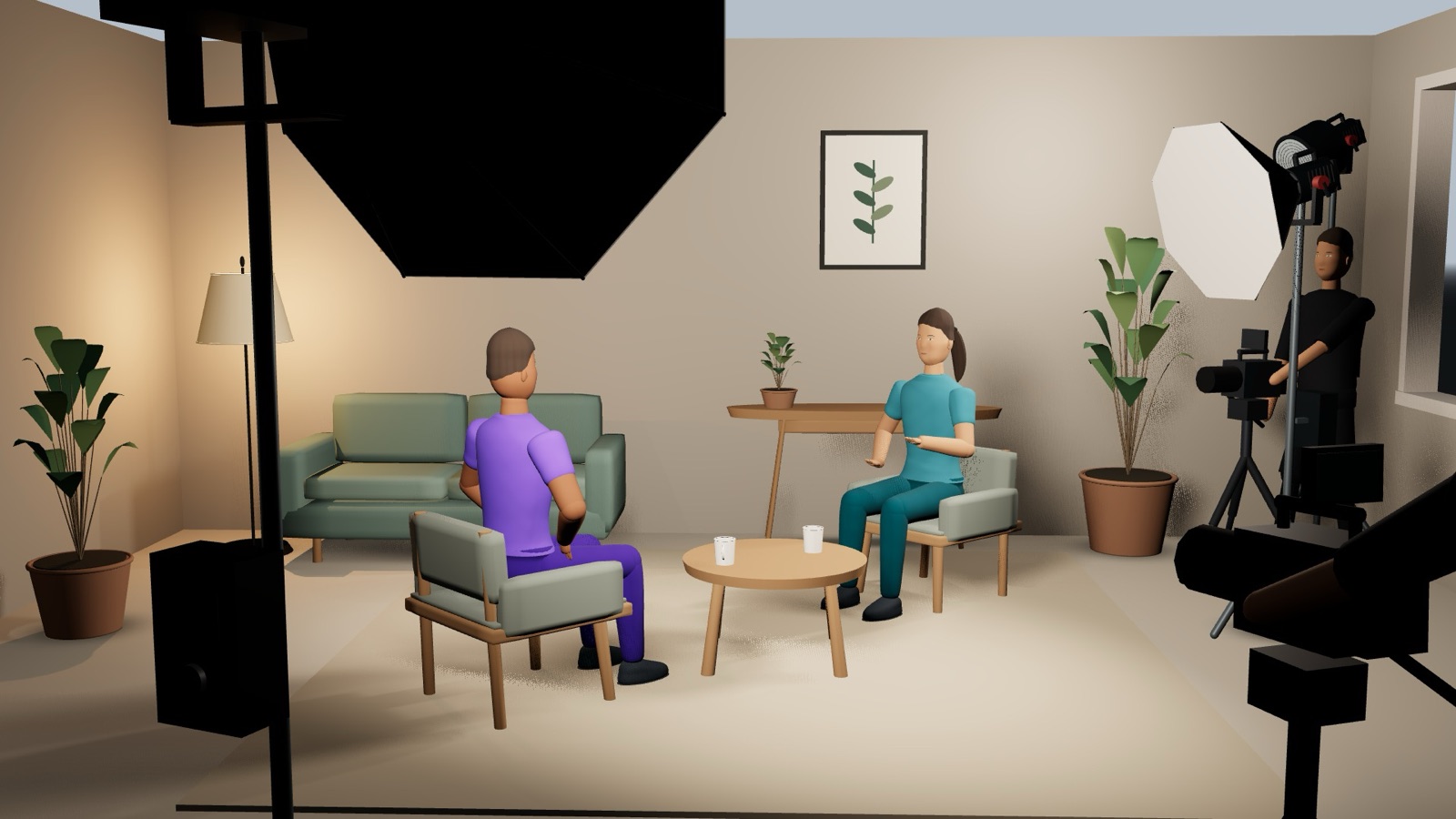
Key light in a large softbox, fill light and camera operator on setON SET
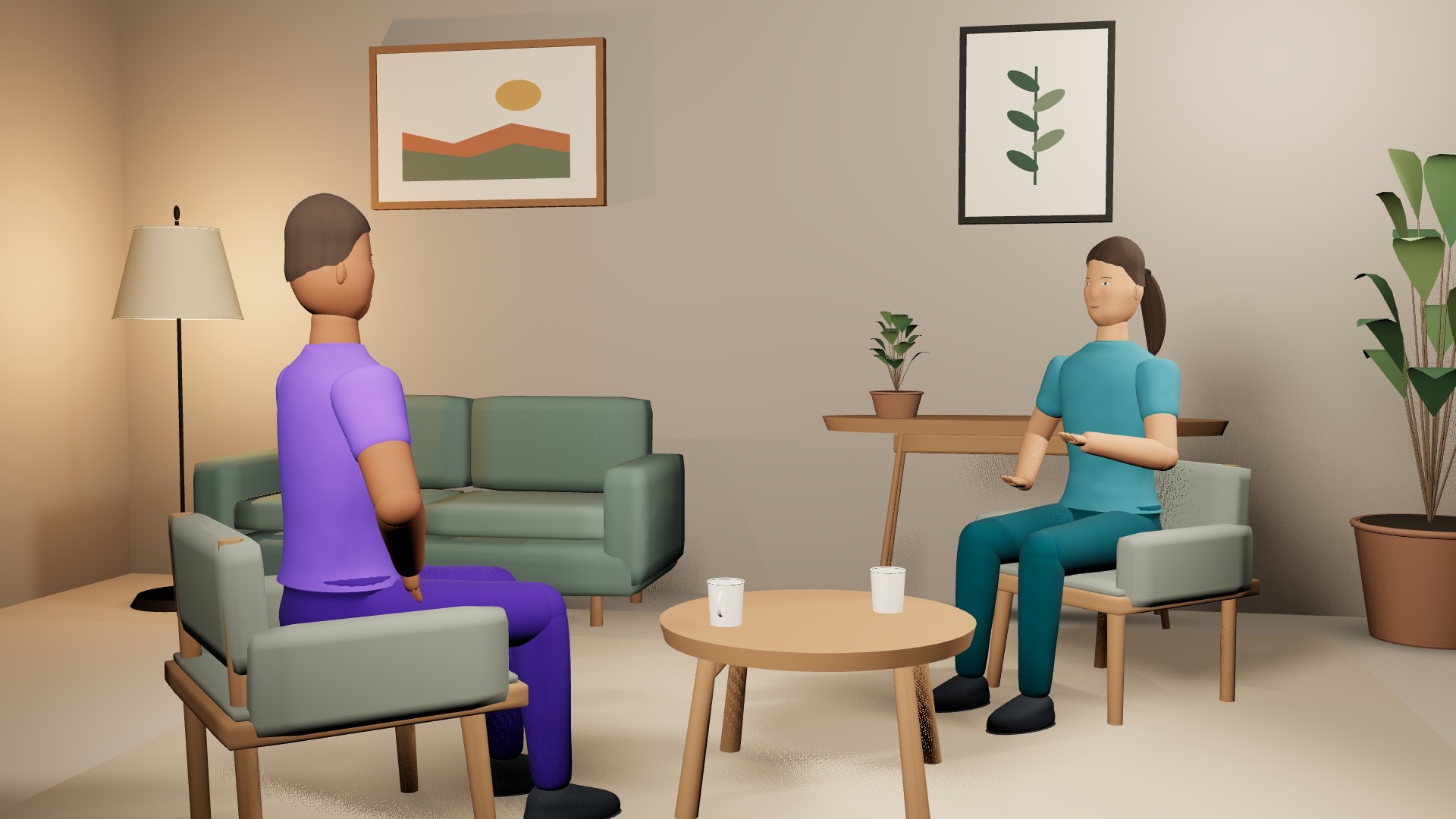
The resulting wide shotIN CAMERA
04

Hand it over

Your storyboard and shot list, generated from the plan.
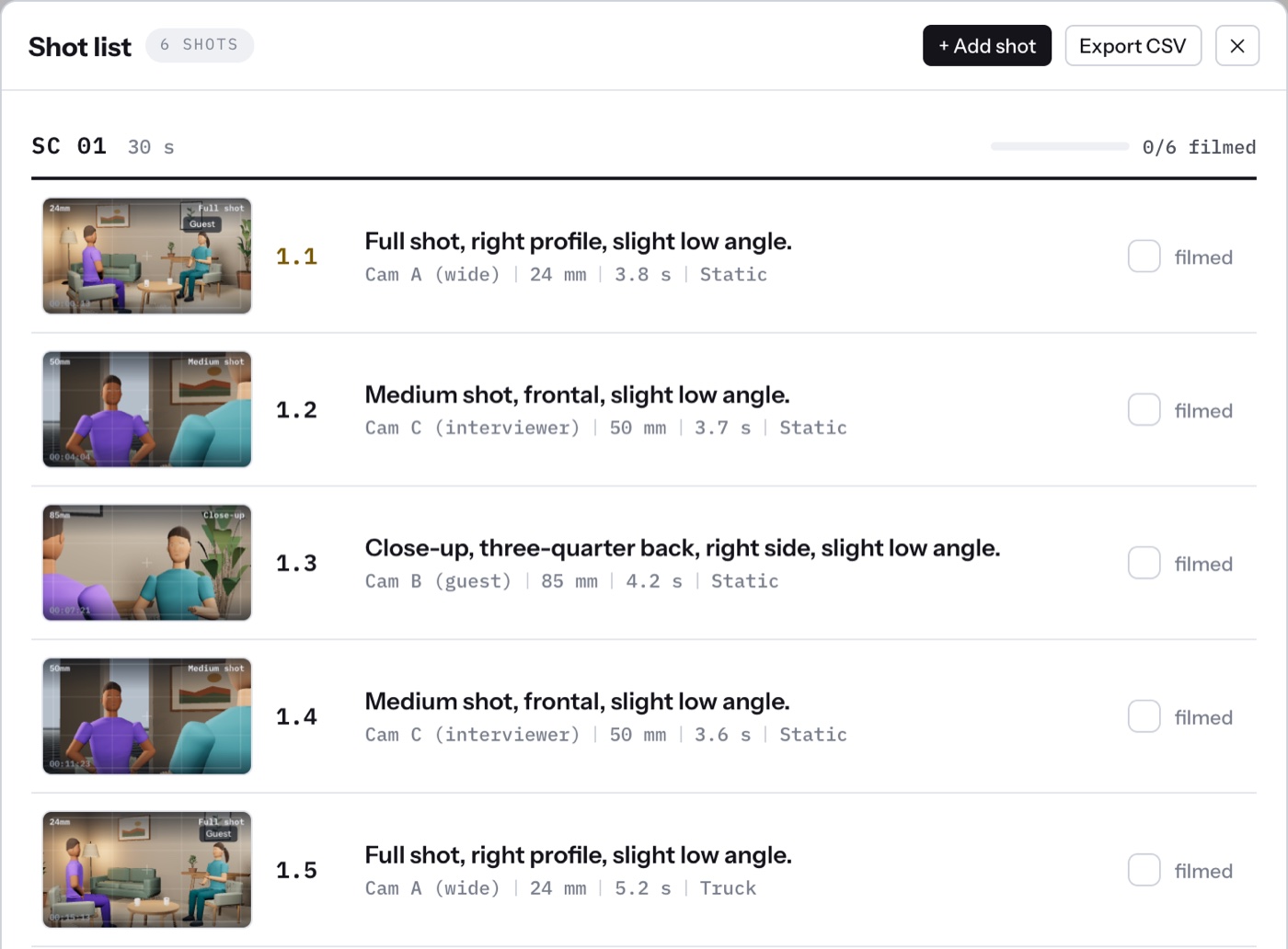
Shot list generated from the plan

Endless possibilities.

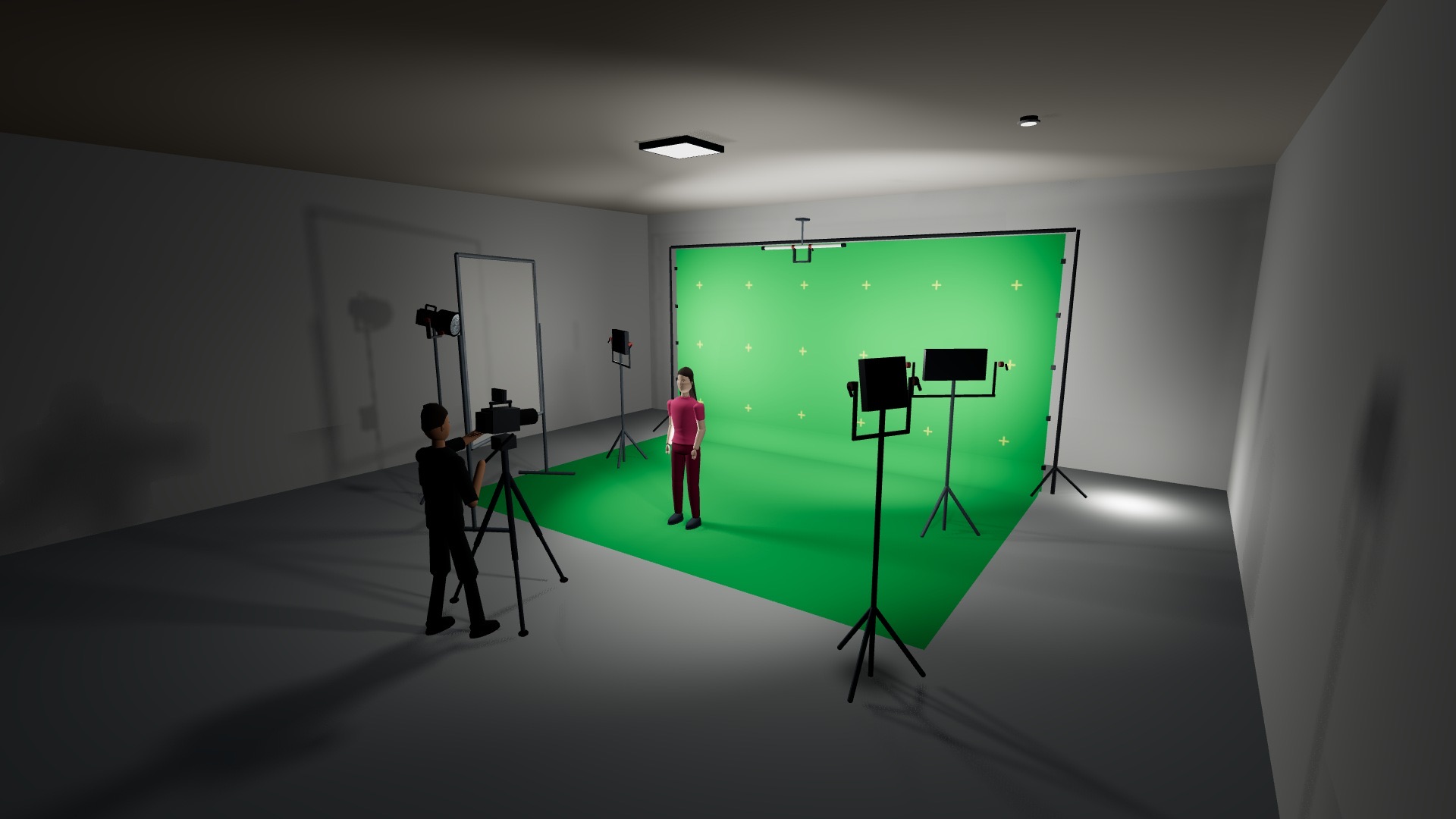
Green-screen studio, camera operator and LED panels
Green-screen studio
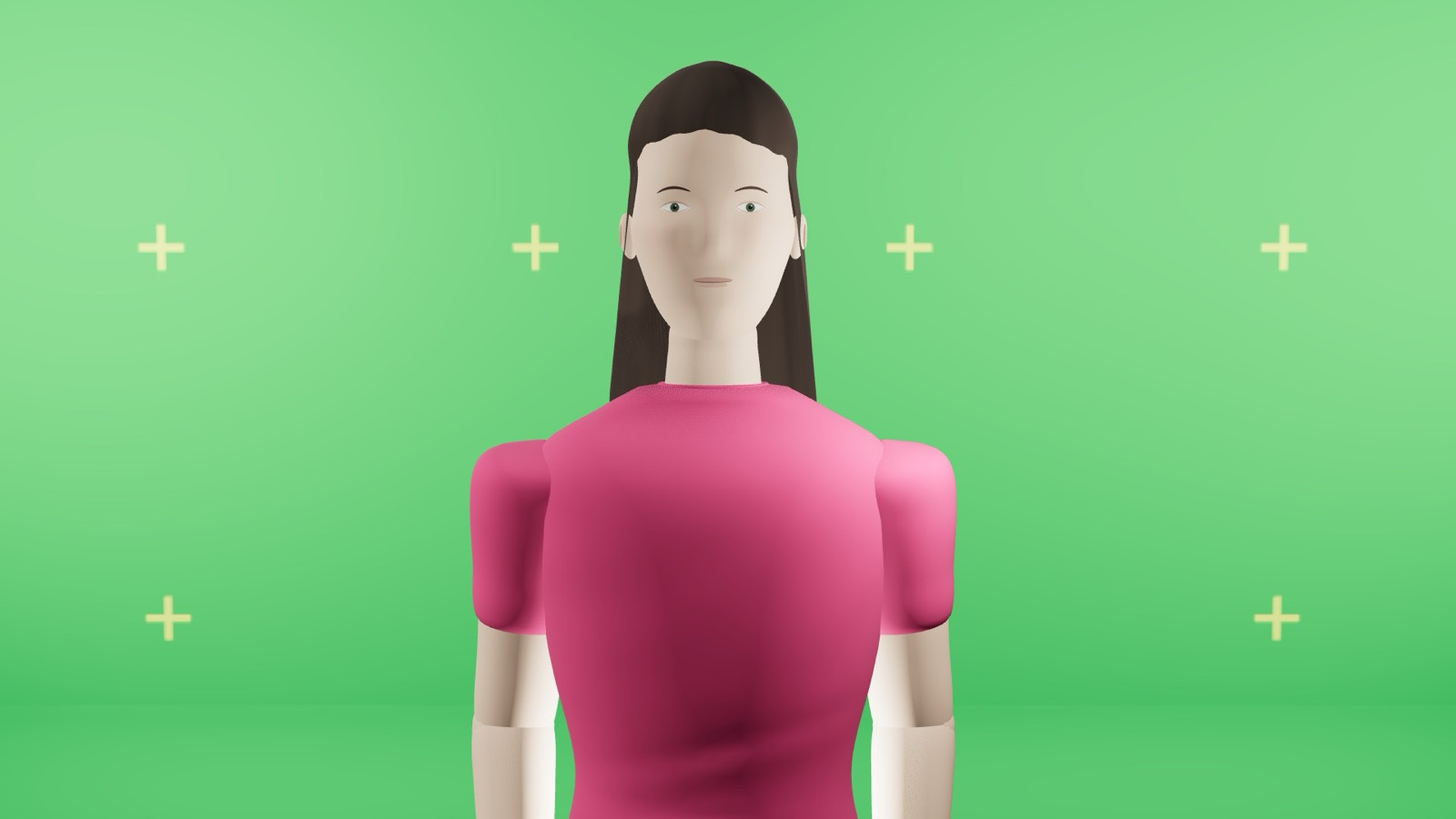
The presenter in front of the green screen
In camera
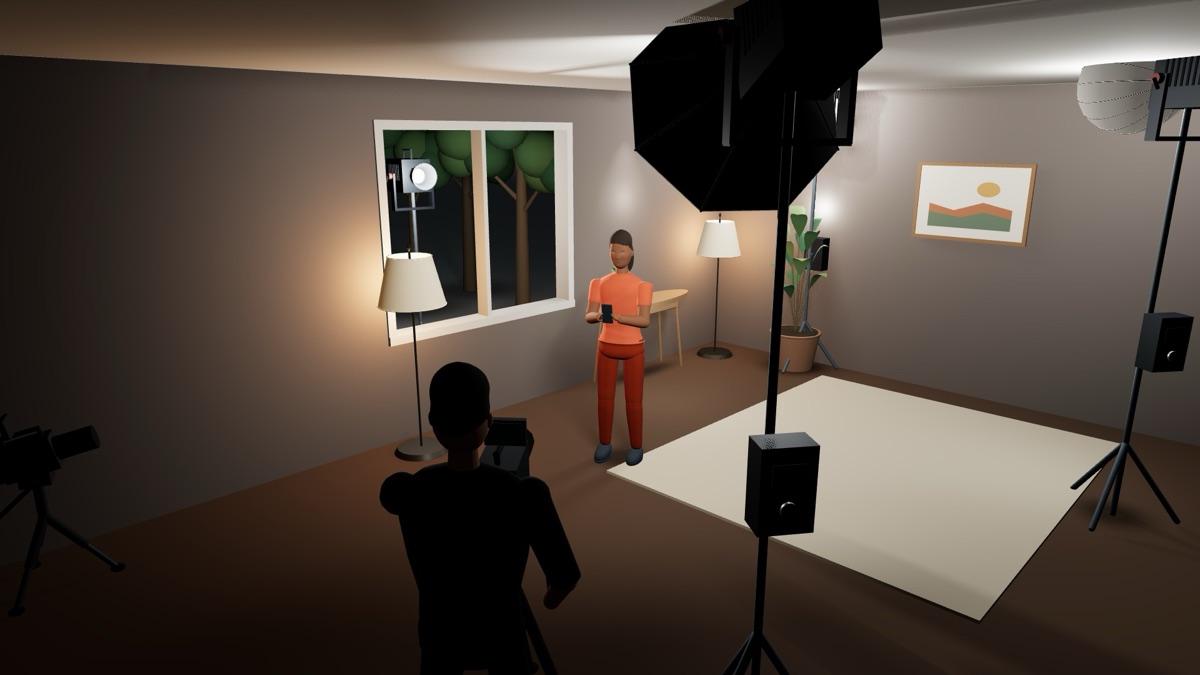
Living room set with a softbox, a stand light and the camera operator
Living room, on set
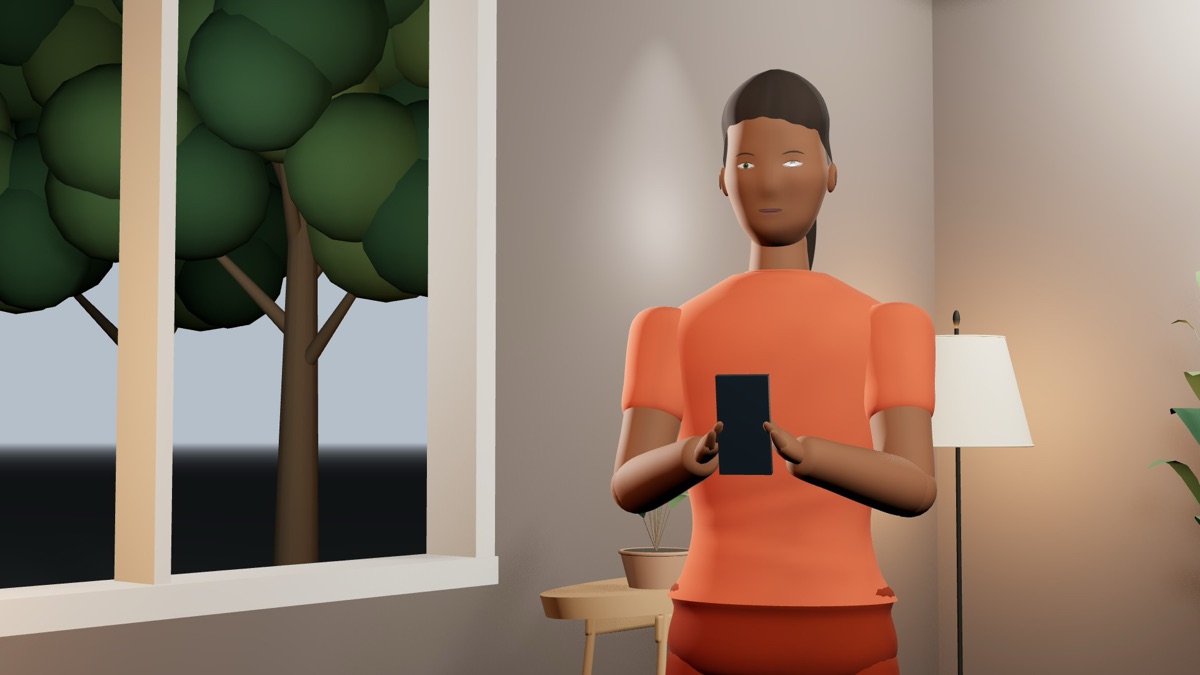
A woman holding a phone, framed in a living room
Living room, in camera
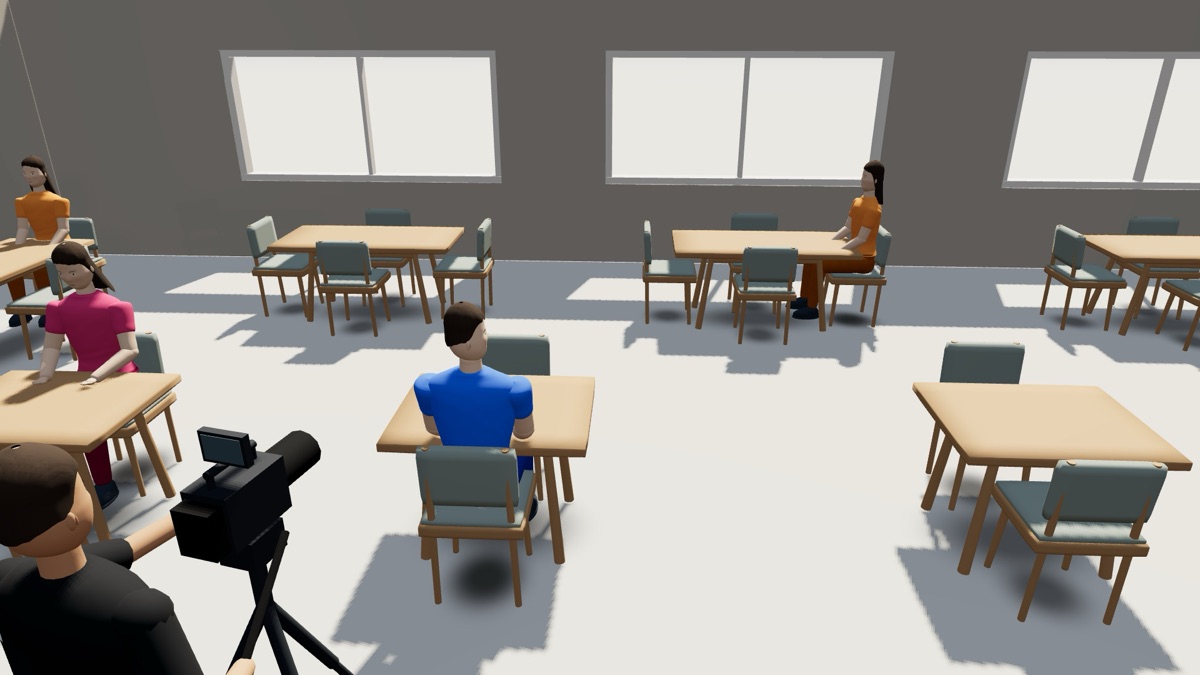
Restaurant with a camera on a tripod between the tables
Restaurant, on set
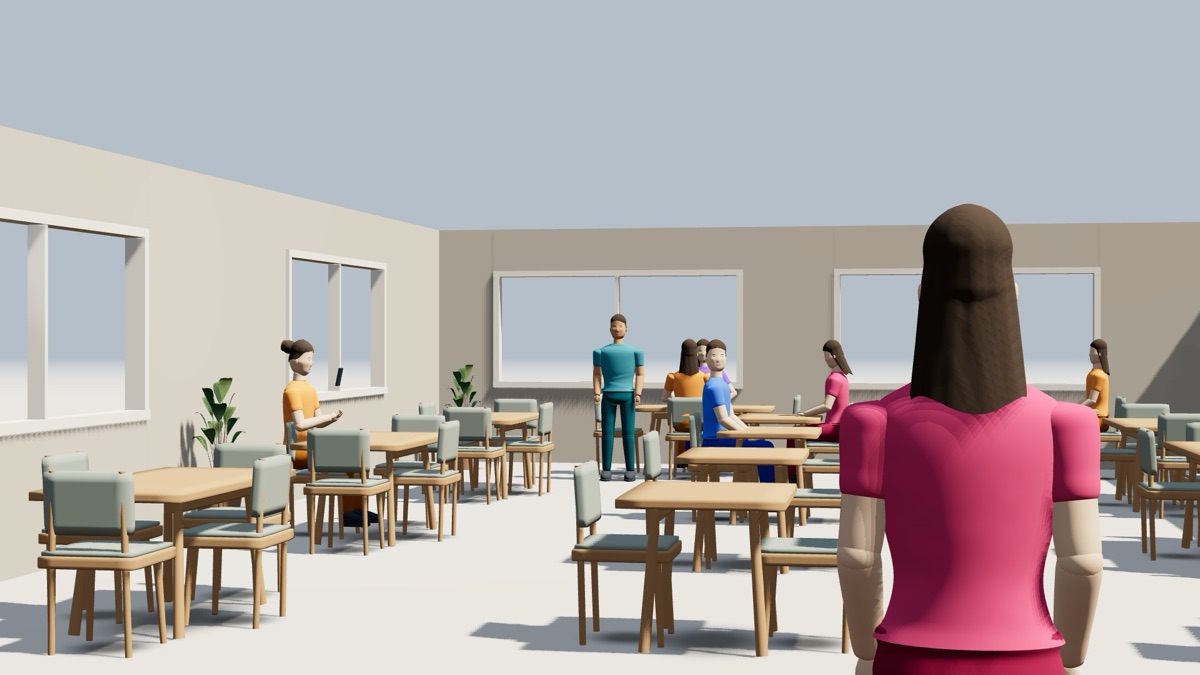
Restaurant dining room in daylight
Restaurant, in camera
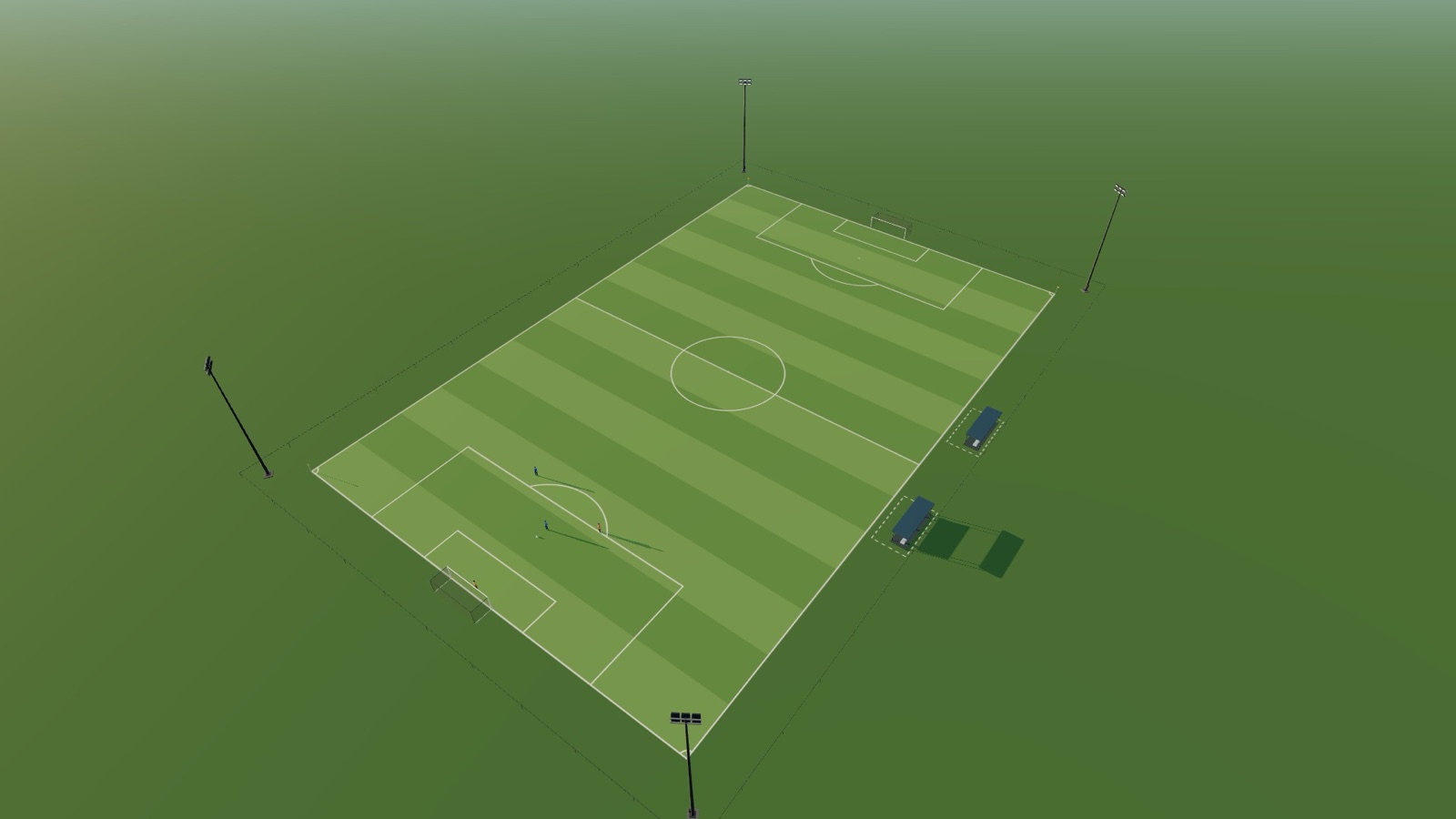
Football pitch from a drone
Football, drone
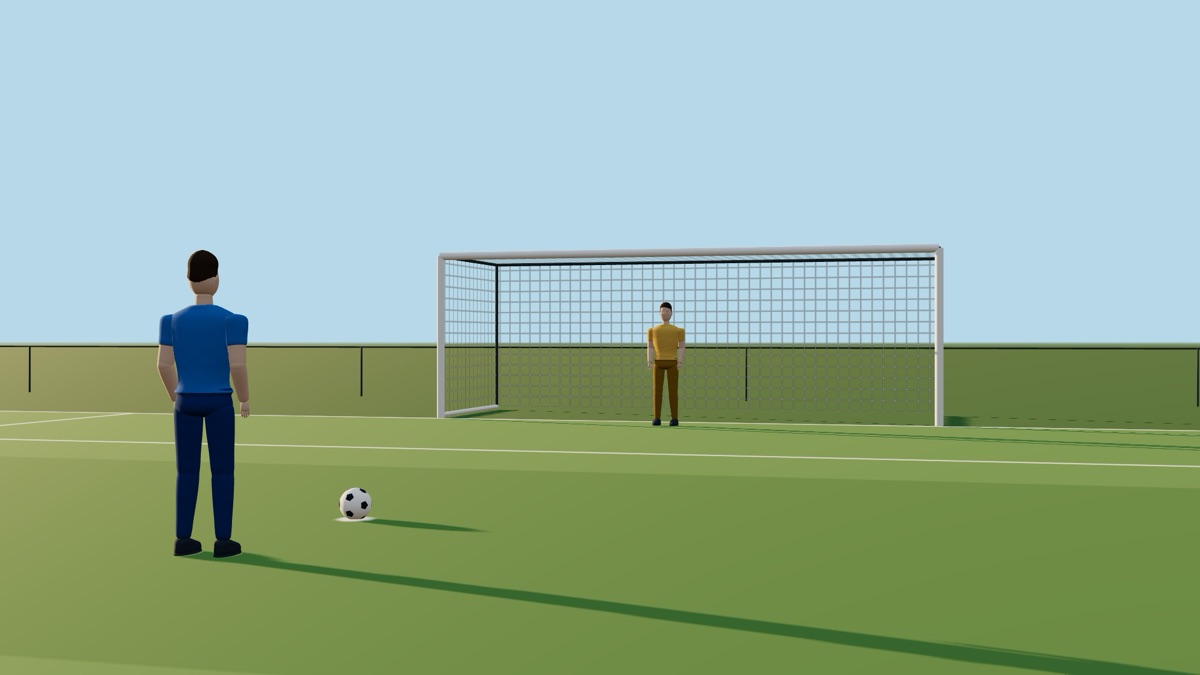
Penalty kick toward the goal, morning sun
Football, penalty
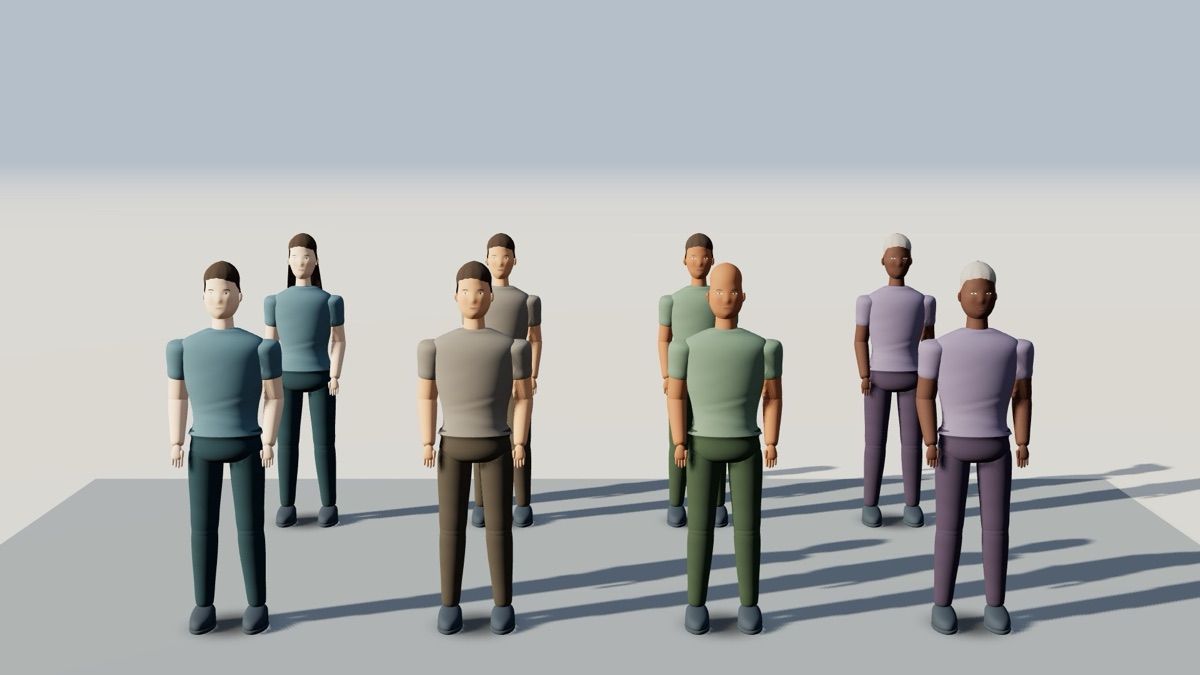
A lineup of characters
Your cast

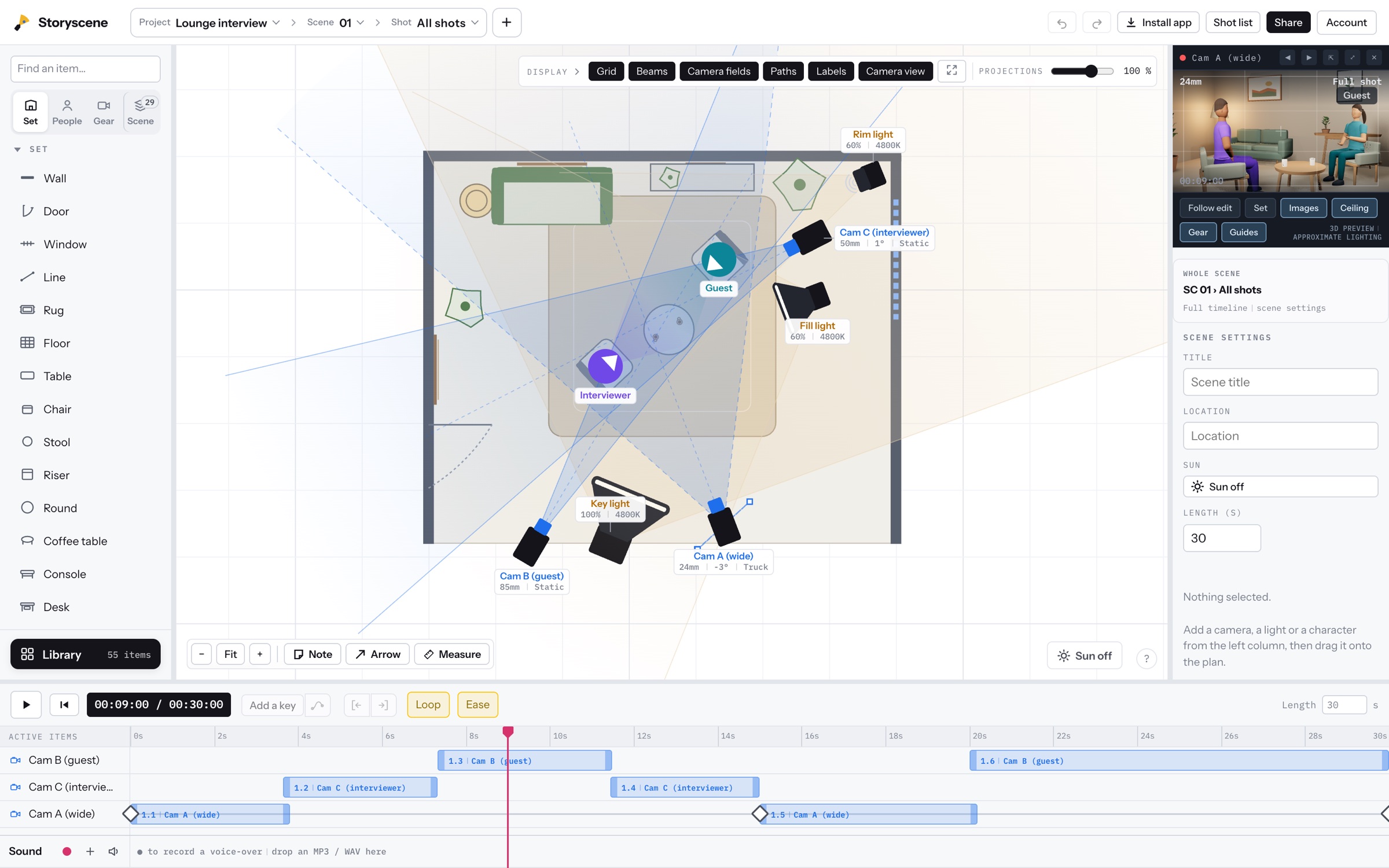
Everything in one window.

The Storyscene workspace: plan, 3D view and timeline

Questions.

Who is Storyscene for?

Directors, cinematographers, videographers, content creators and small production teams.

Is it free?

You can start free, no account needed. Pro is $9.99 a month. Pricing

Can I share a scene with my team?

Yes, with a read-only link.

What can I export?

A storyboard, shot-list CSV, plan images and video.

Are these images real?

Yes. Everything on this page was captured in Storyscene. No AI, no retouching.

Questions or ideas? Write to us at [email protected]. We read every message.